See your branch today in the app
Everyone at your branch, who is in and who is not, and its requests.
Branch admin
3 steps
·
1 min · Updated 29 November 2026
As a branch admin, the app shows your whole branch, not only the people who report to you. Setting up staff, shifts and locations stays on the website.
-
1
Your branch on Home
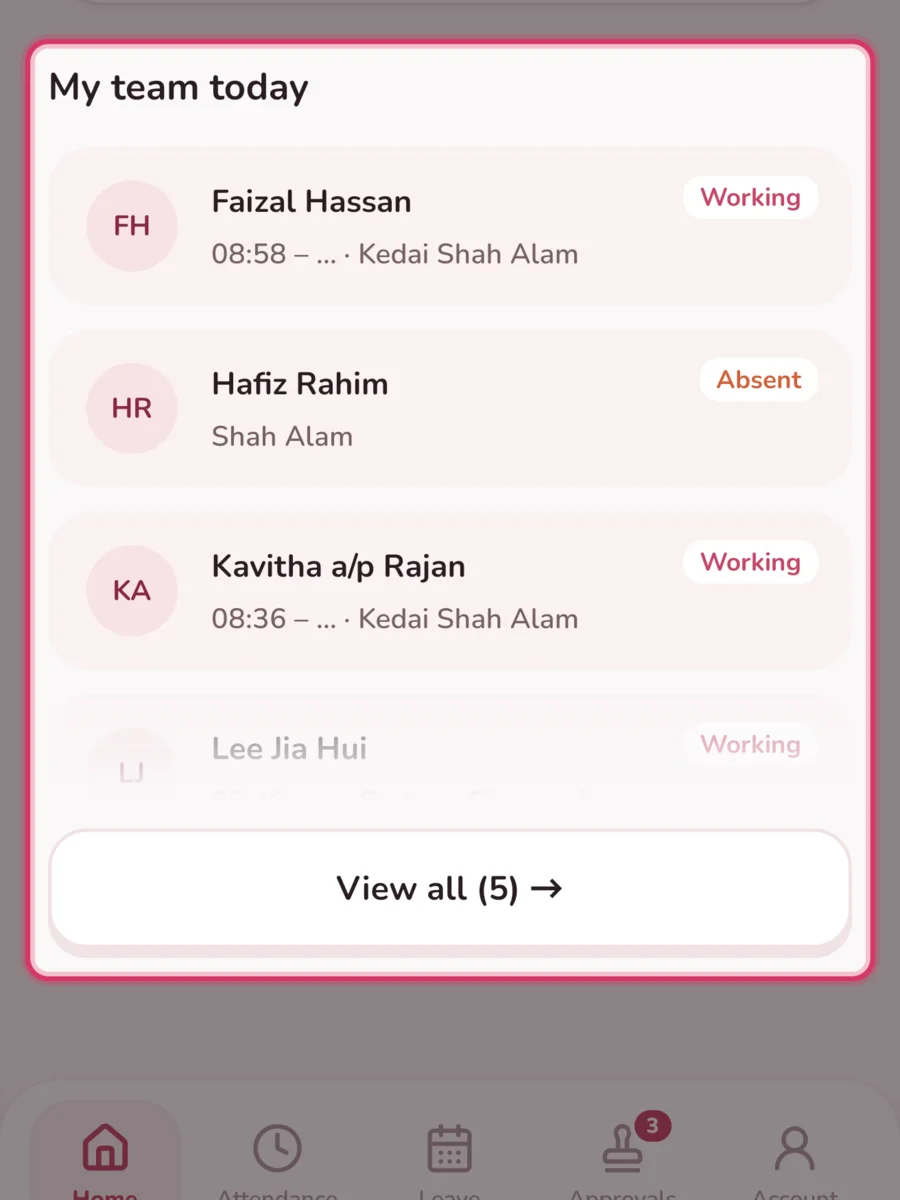
My team today on Home lists your branch. Tap View all.
-
2
Who is in today
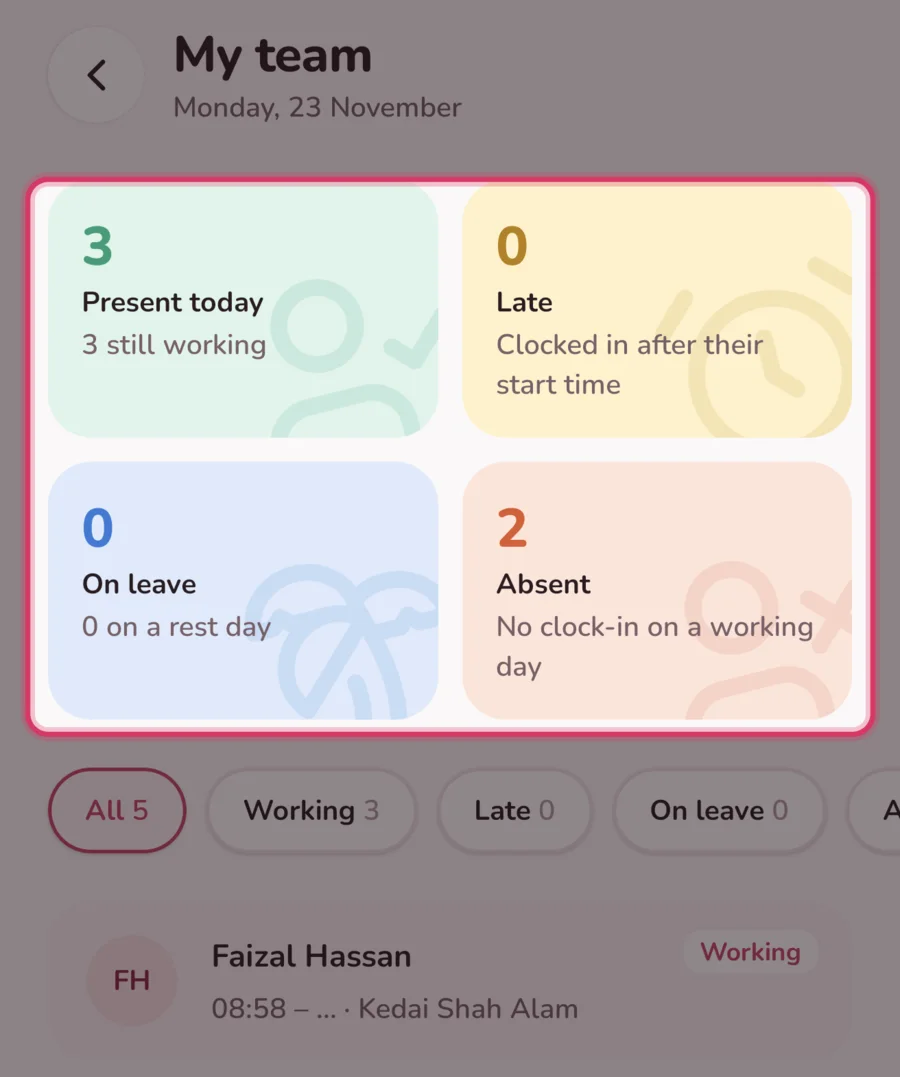
The counts and the list cover everyone at the branch: present, late, on leave and absent.
-
3
Your branch’s requests
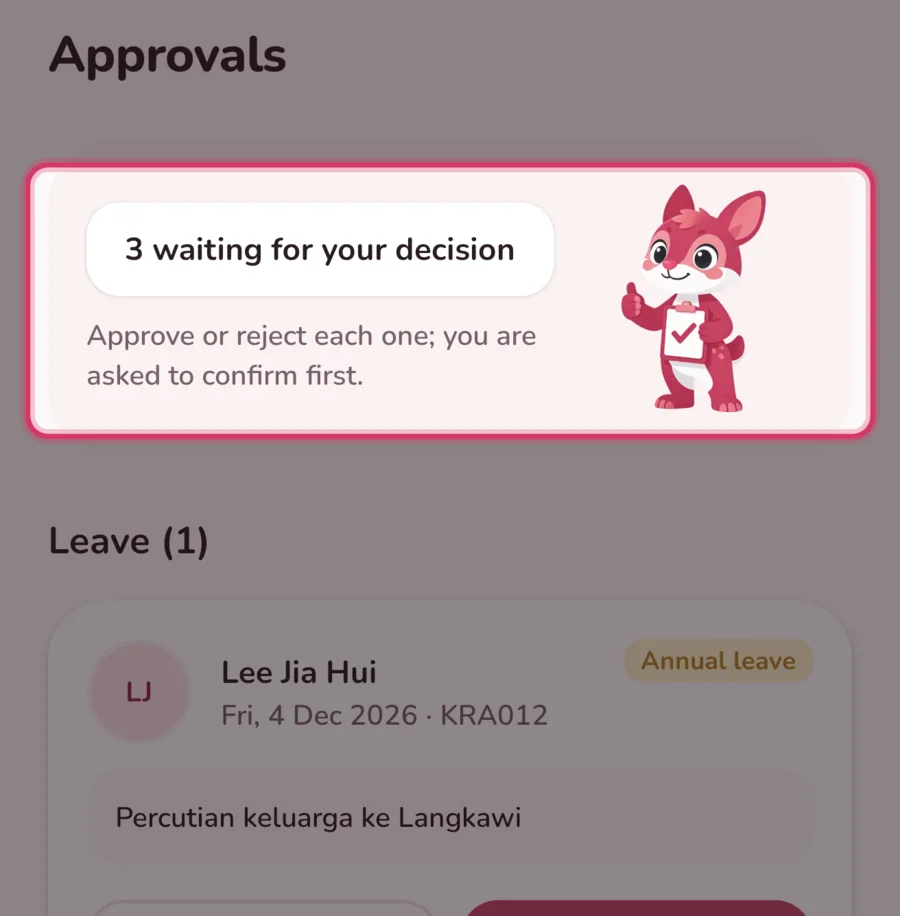
Approvals has the branch’s requests that wait for you. See Approve requests in the app.
Was this guide helpful?