Set up a clock-in location
Draw the area where staff may clock in with the app’s GPS check.
Branch admin
3 steps
·
3 min · Updated 22 November 2026
-
1
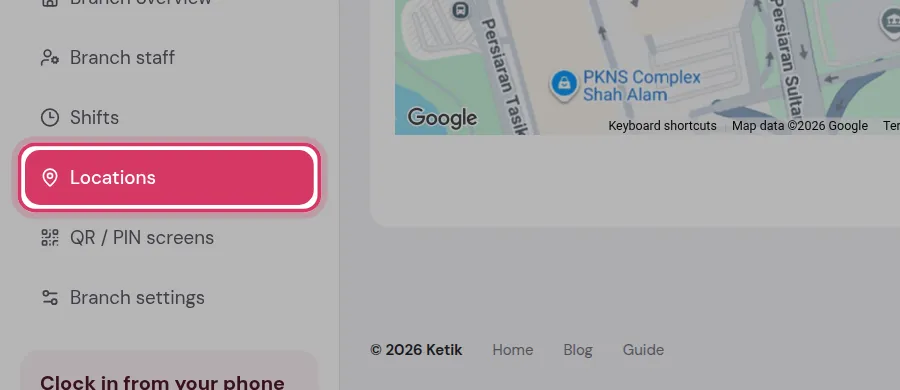
Open Locations
In the Branch menu, click Locations.
-
2
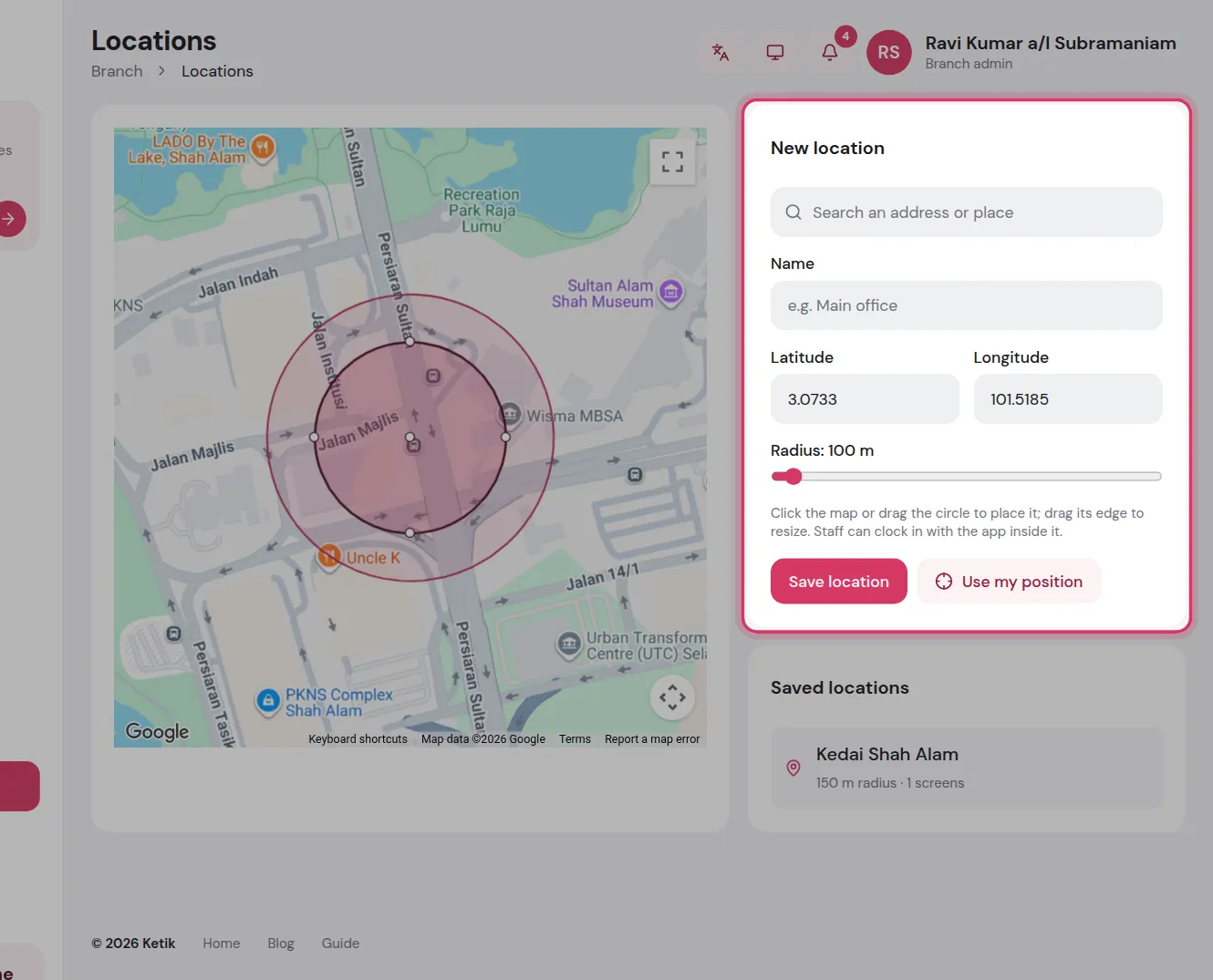
Find the place
Search the address, click the map, or press Use my position when you are on site.
-
3
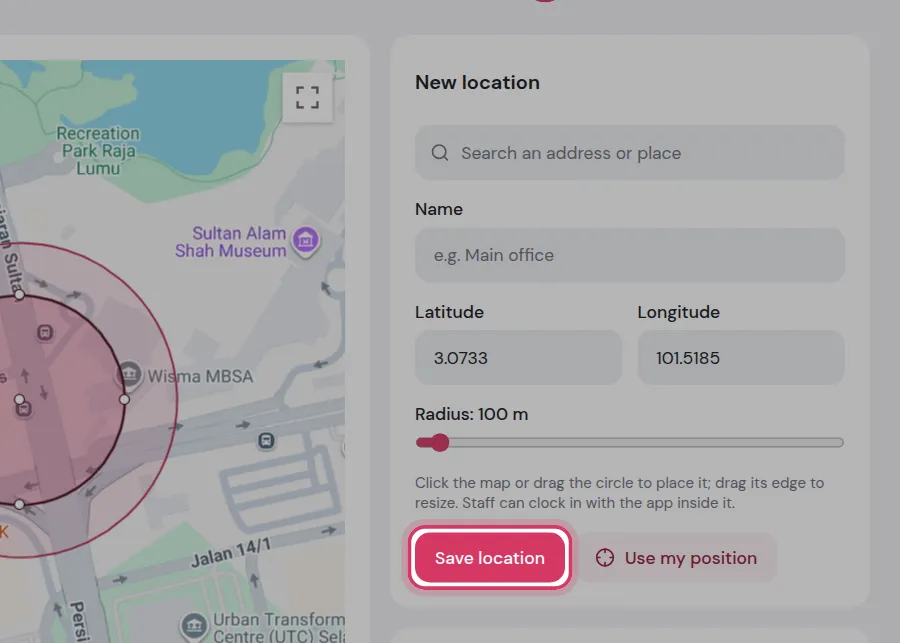
Set the radius and save
Give it a name, drag the slider (100–200 m suits most shops and offices) and click Save location.
Was this guide helpful?