Install Ketik on your phone or computer
Add the Ketik dashboard to your home screen or desktop and open it like an app.
Staff
5 steps
·
2 min · Updated 29 November 2026
The dashboard installs straight from your browser, no app store needed, and opens in its own window. To clock in with your phone, use the Ketik app.
-
1
Open Ketik in your browser
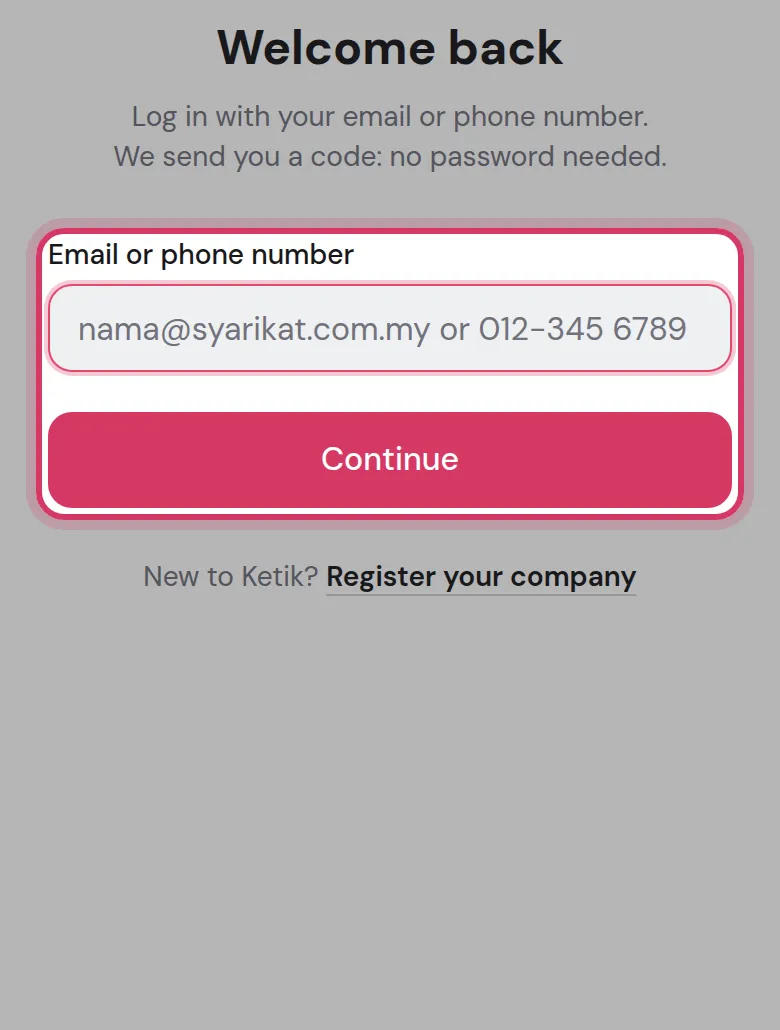
On your phone or computer, open ketik.my/login and log in.
-
2
Android: install the app
In Chrome, tap the menu (⋮), then Install app or Add to Home screen, and confirm.
-
3
iPhone or iPad: Add to Home Screen
In Safari, tap Share (the square with an arrow), then Add to Home Screen, then Add.
-
4
Computer: install it
In Chrome or Edge, click the install icon at the right end of the address bar, then Install.
-
5
Open it like an app
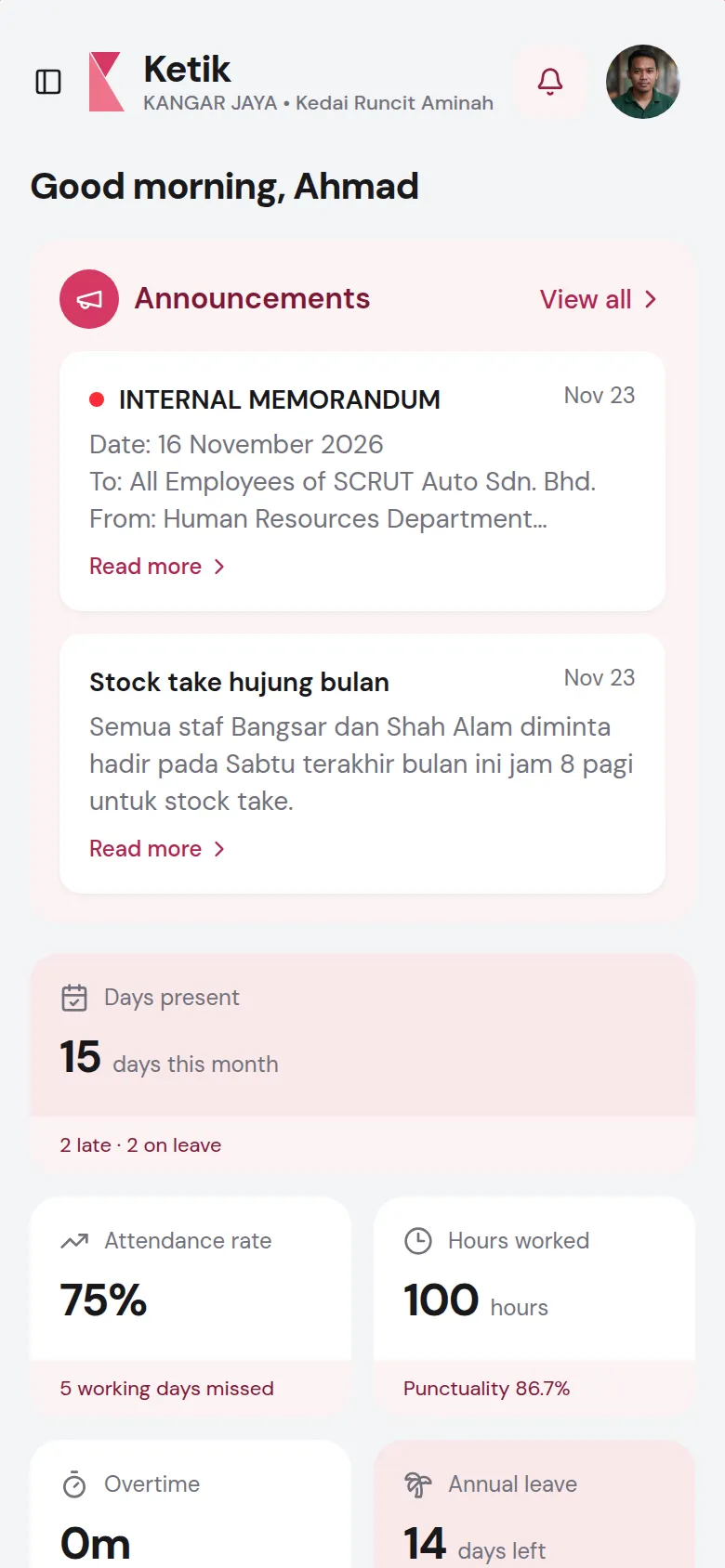
Ketik now has its own icon, which opens your dashboard full screen. The first time, you may need to log in again.
Was this guide helpful?