Download reports
Attendance, leave and the staff register for one person, a branch or the whole company, as PDF, Excel or CSV.
Everyone has Reports: staff get their own, supervisors also their team, branch admins their branch, and organization admins every branch.
-
1
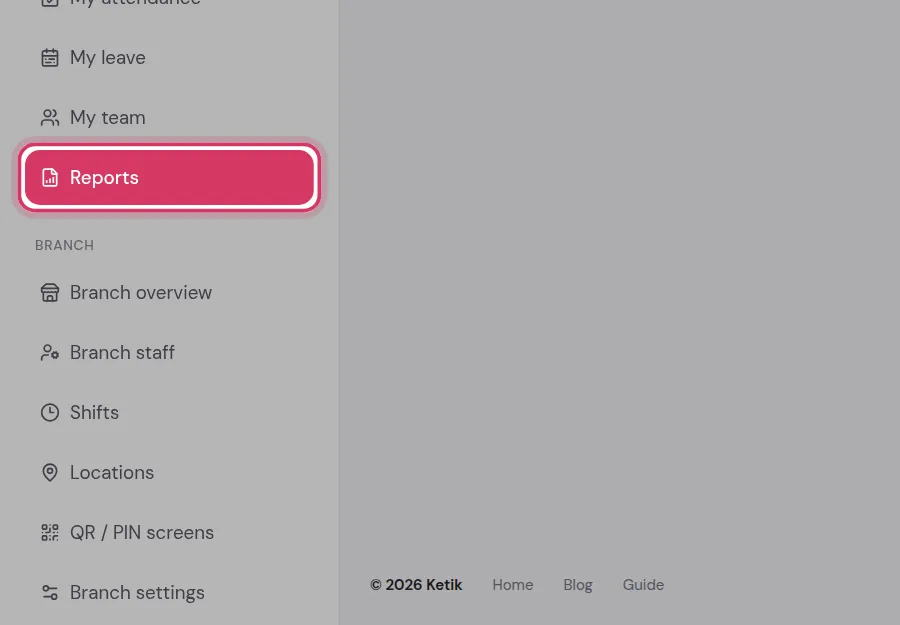
Open Reports
Click Reports in the menu.
-
2
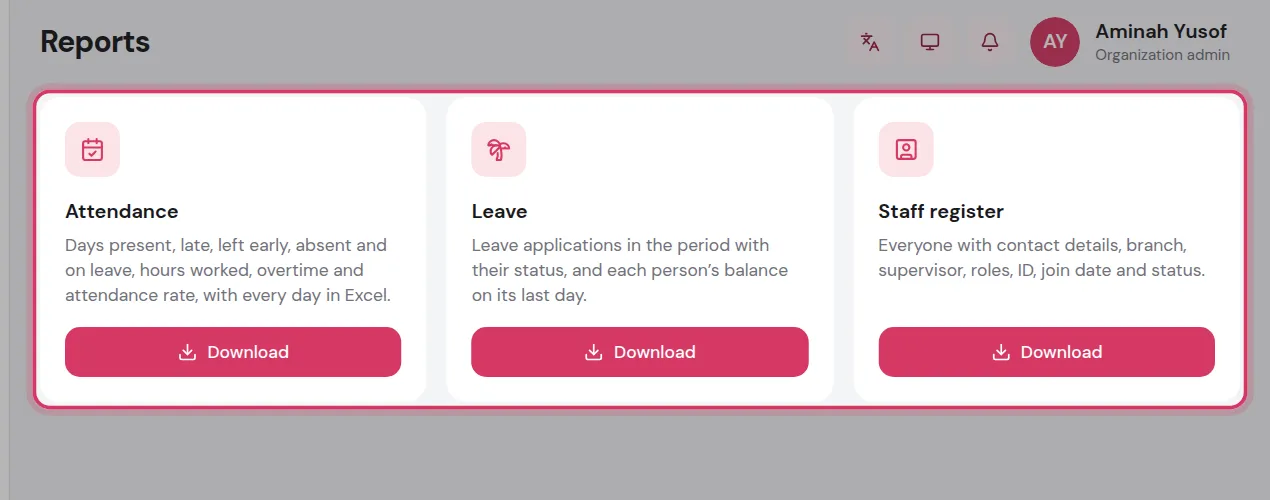
Pick a report
Attendance: days present, late, absent and on leave, hours and overtime for each person. Leave: applications and balances. Staff register: everyone with their details, roles and ID.
-
3
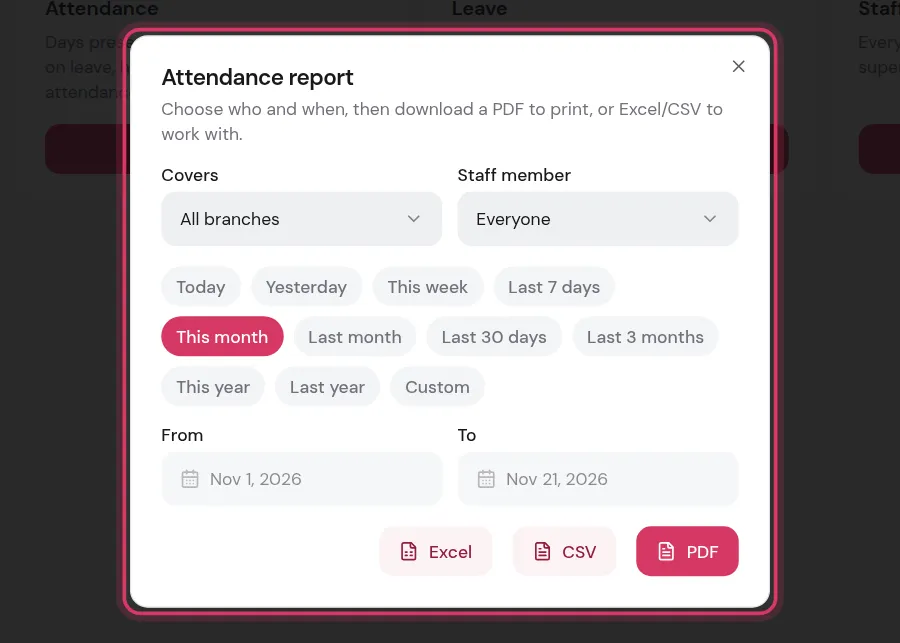
Choose who and when
Click Download. Under Covers pick all branches or one, then everyone or one staff member. Choose the dates (this month, last month, this year, or your own From and To, up to a year).
-
4
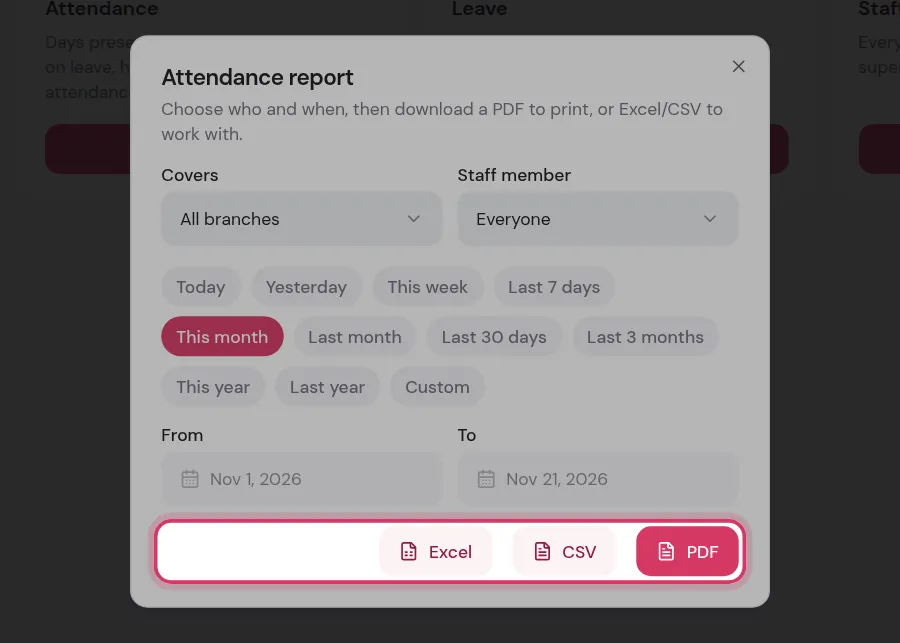
Download
PDF to print or share, with charts. Excel has a summary sheet and every day on its own row; CSV opens in any spreadsheet.
Was this guide helpful?