Find your way around the dashboard
Log in and learn where everything is: the menu, your day at a glance, language and theme.
Staff
4 steps
·
2 min · Updated 22 November 2026
-
1
Log in
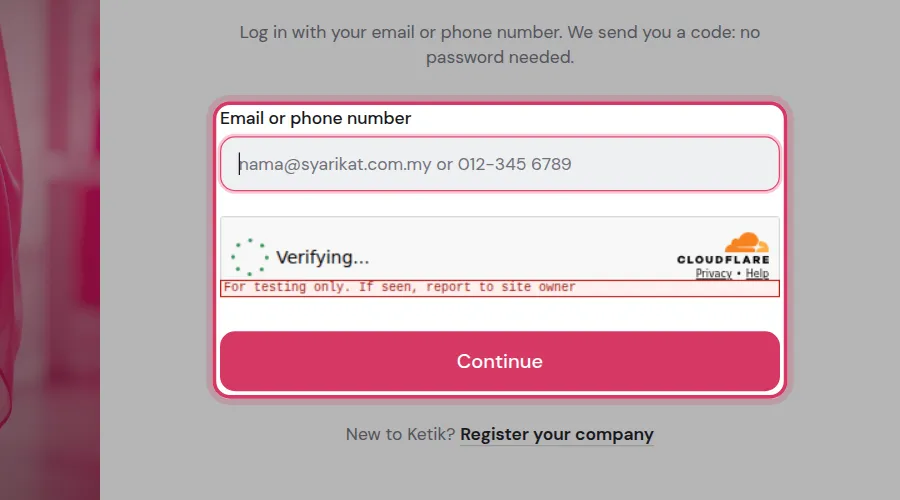
Open ketik.my/login and type your email or phone number. Ketik sends a 6-digit code (by email, or by WhatsApp or SMS to your phone): type it in and you are in, no password needed. The email also has a button that logs you in. You stay logged in for 7 days.
-
2
Use the menu
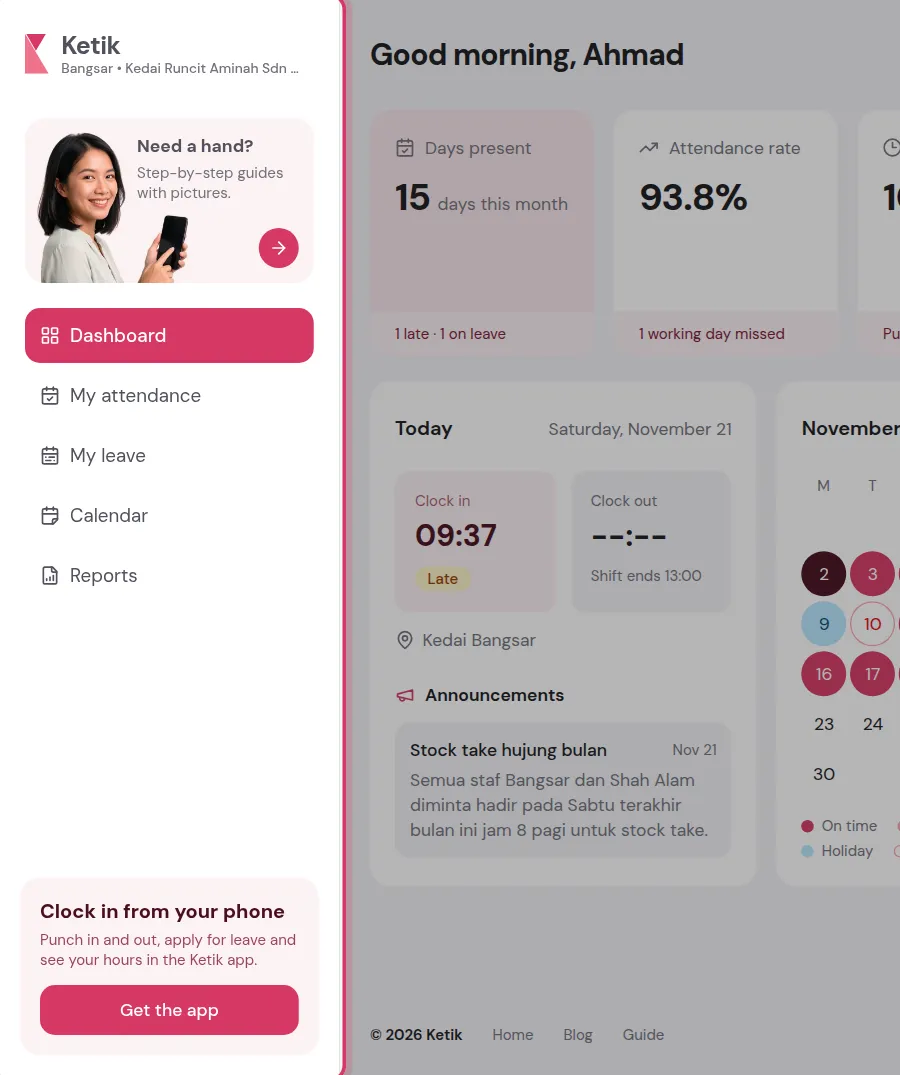
The menu on the left shows what your role can do: Me for everyone, Branch for branch admins and Organization for company admins.
-
3
See your day at a glance
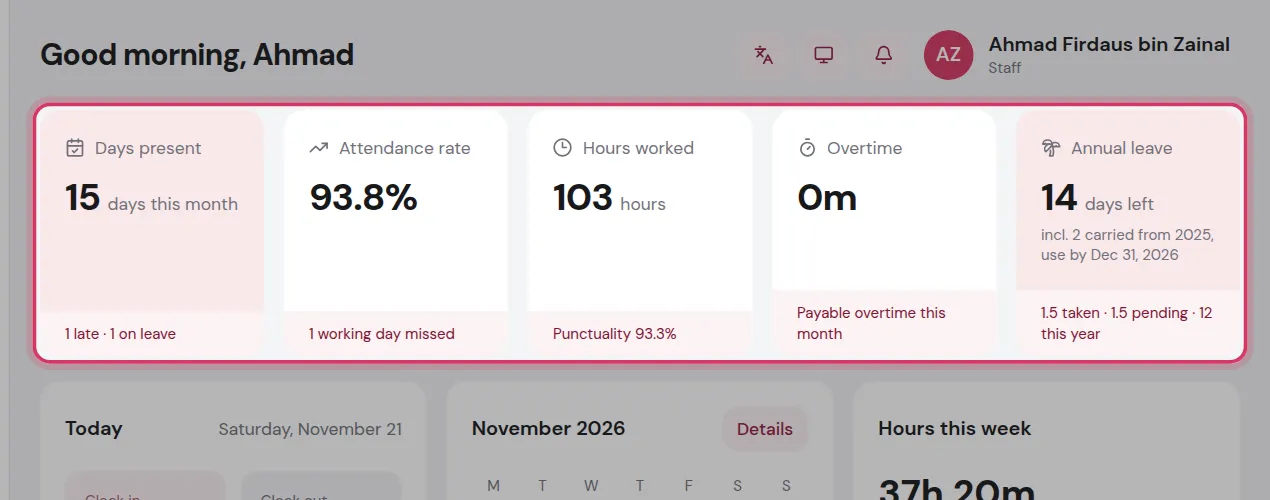
The dashboard shows today’s clock-in, hours this week, overtime and announcements.
-
4
Change language or theme
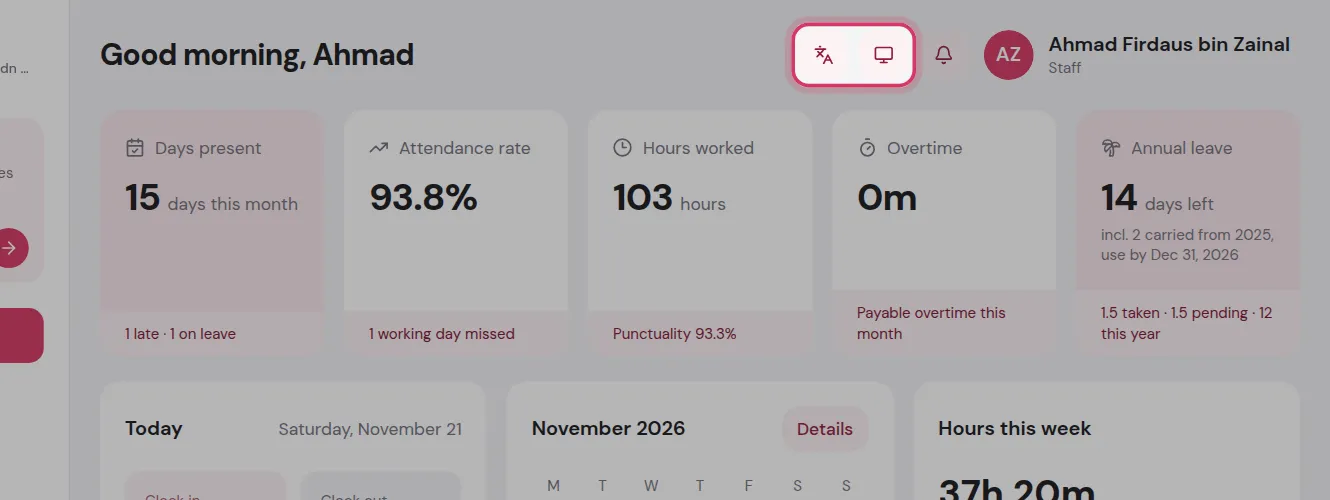
Use the buttons at the top right (on a phone, they are in your avatar menu). Ketik speaks English, Bahasa Melayu and 中文.
Was this guide helpful?