Check your attendance and download a report
See every day of the month, your hours and overtime, and export them as PDF, Excel or CSV.
Staff
4 steps
·
2 min · Updated 22 November 2026
-
1
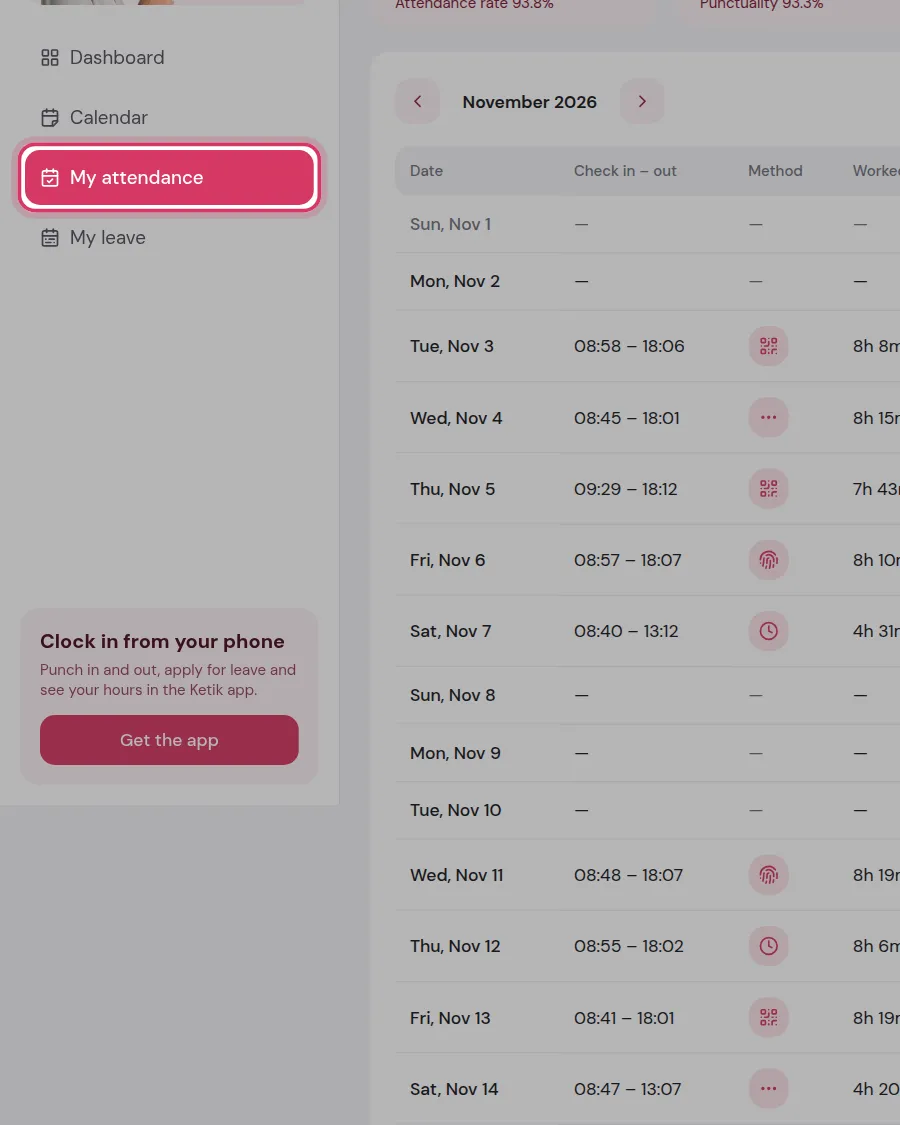
Open My attendance
In the menu, click My attendance.
-
2
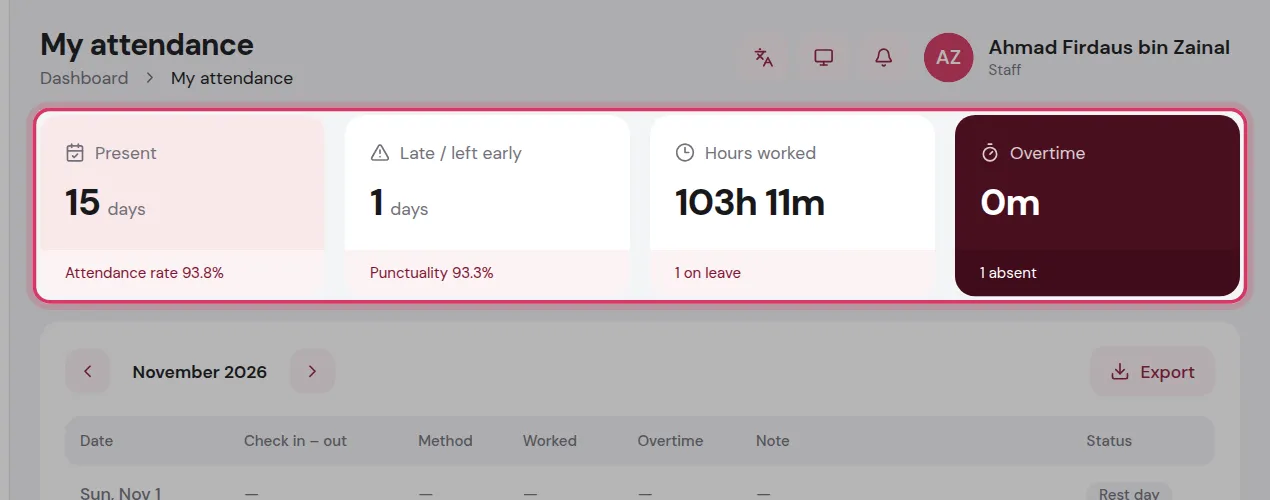
Read your month in numbers
The cards show days present, late arrivals, hours worked and overtime for the month.
-
3
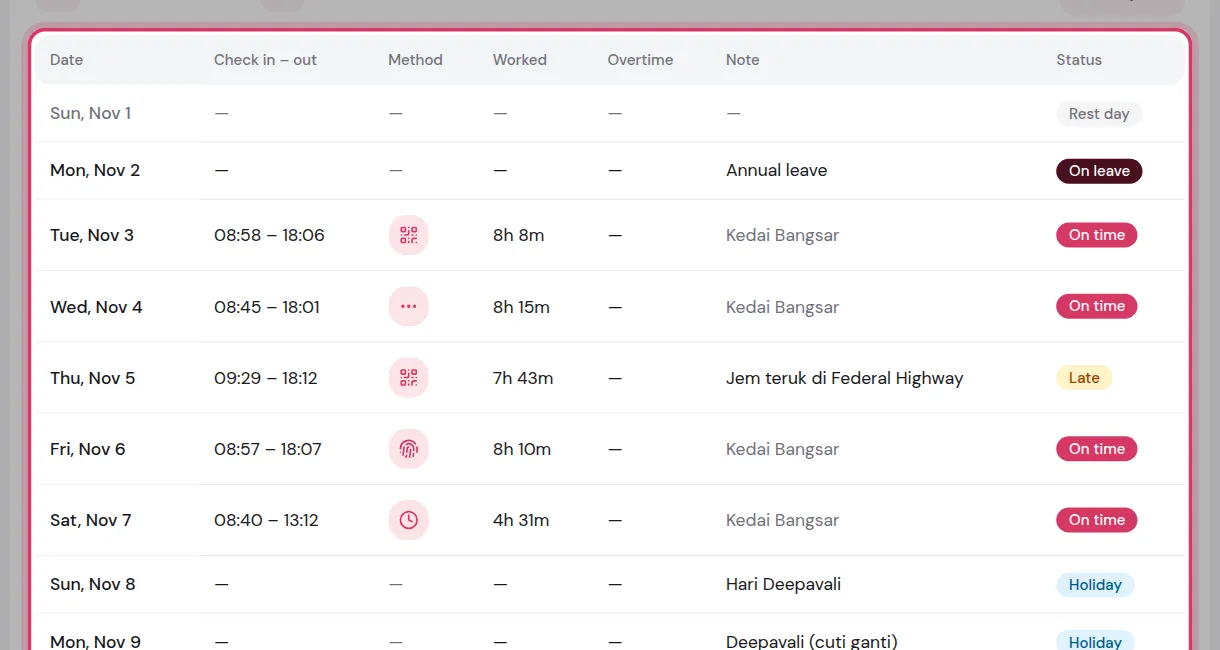
Check each day
Each row is a day: clock-in and out times, how you clocked in (hover the icon), hours and status. Use the arrows to change month.
-
4
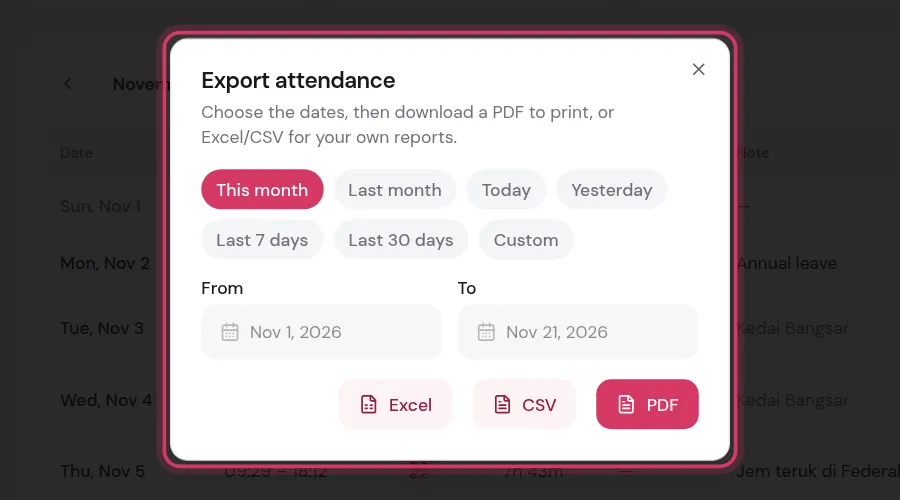
Download a report
Click Export, pick a range (this month, last month, last 30 days or your own dates) and a format: PDF, Excel or CSV.
Was this guide helpful?