Switch company in the app
Work at more than one company? Move the app to the other one in two taps.
Staff
2 steps
·
1 min · Updated 29 November 2026
-
1
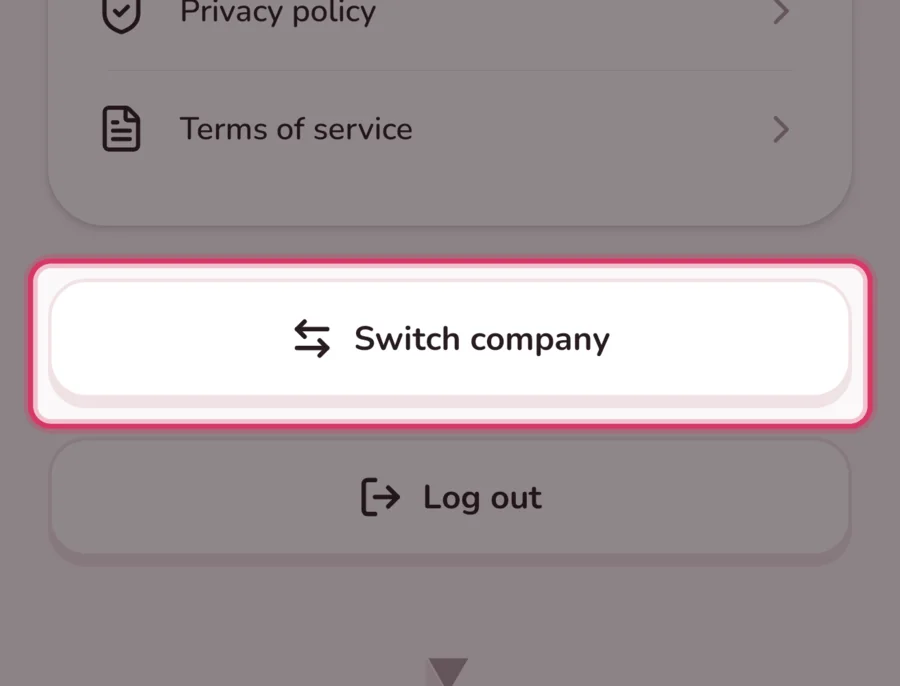
Open Switch company
In Account, tap Switch company (above Log out). Still clocked in? The app asks you to clock out first.
-
2
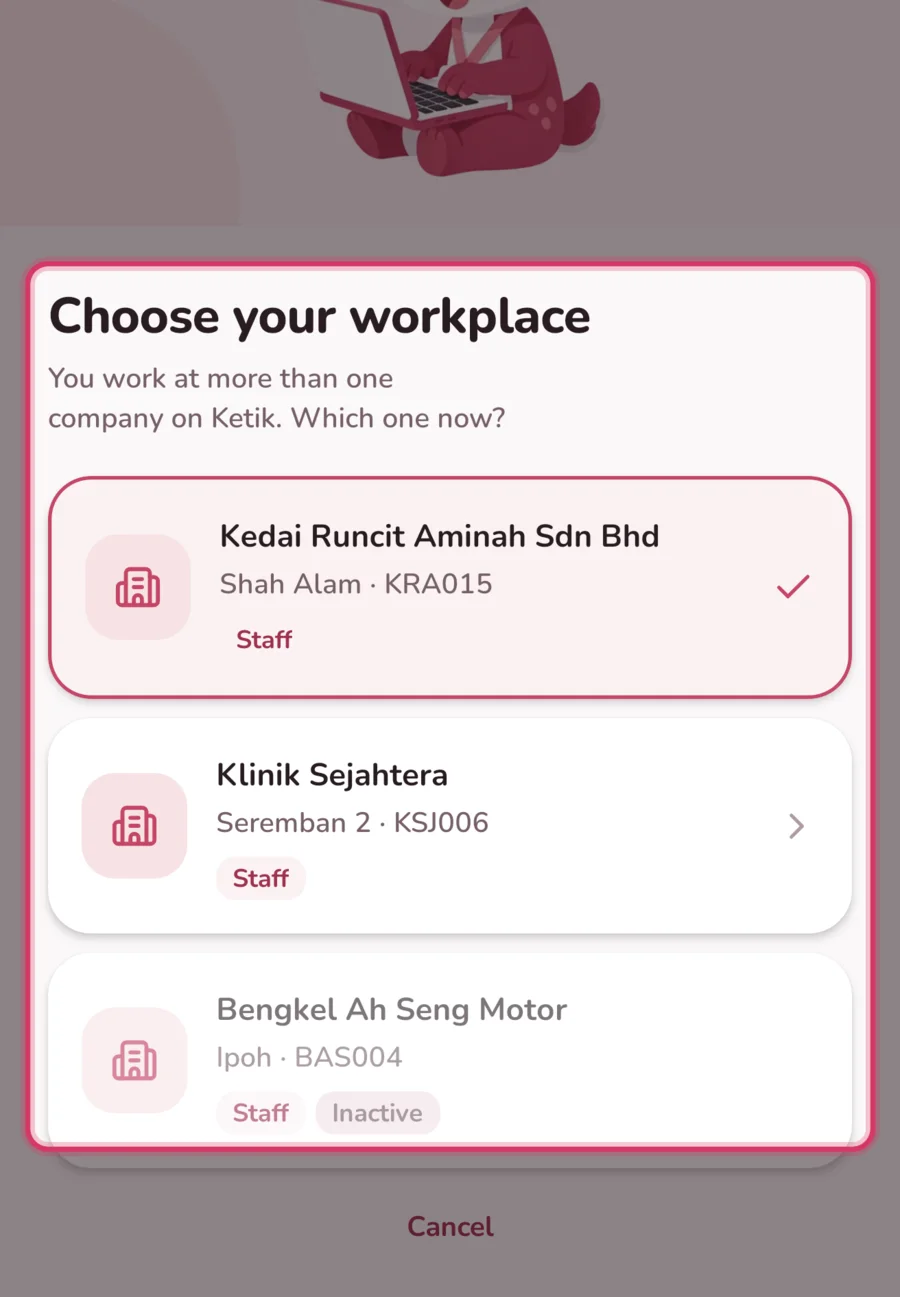
Pick the company
Tap the company you are working at now. Home opens for that company; your other company is not affected.
Was this guide helpful?