Holidays and announcements in the app
Public holidays, who is on leave and birthdays, and your company’s announcements.
Staff
3 steps
·
1 min · Updated 29 November 2026
-
1
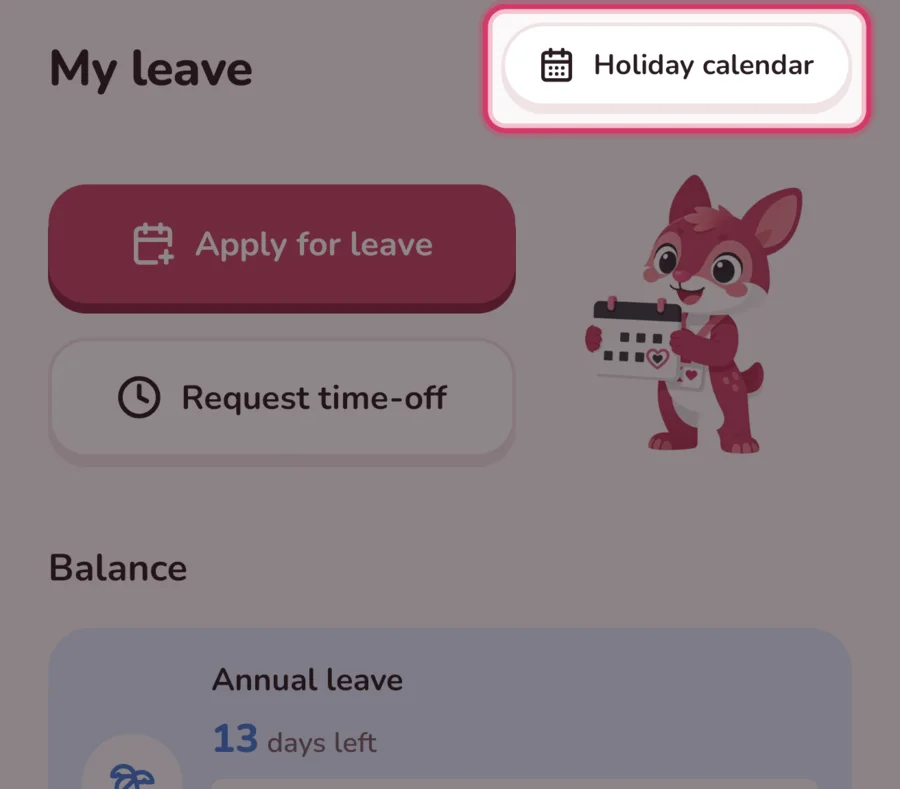
Open the holiday calendar
In Leave, tap Holiday calendar.
-
2
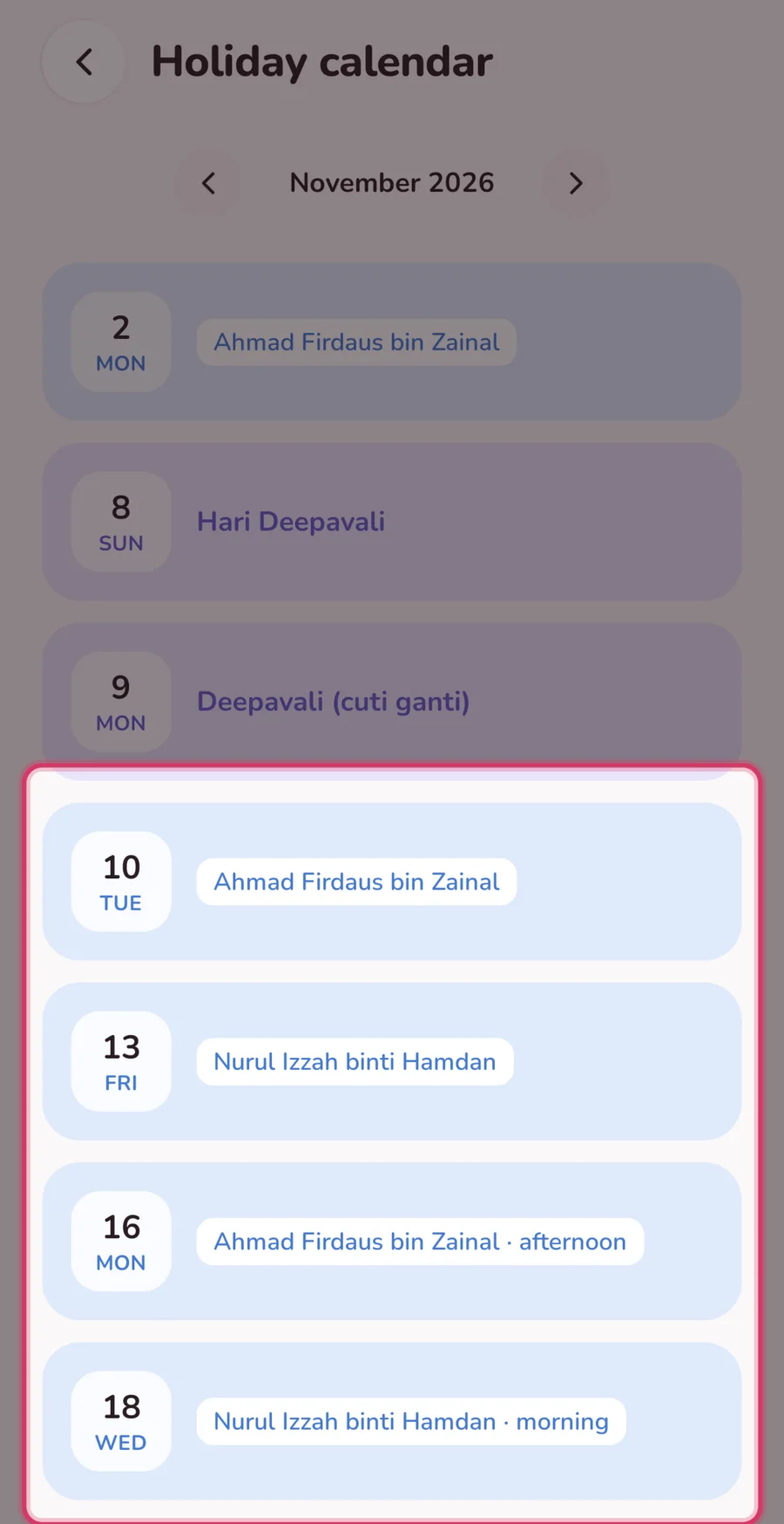
See the month
Each day shows public holidays, your leave, colleagues on leave (still pending ones marked) and birthdays. Use the arrows for another month; the year’s public holidays are listed below.
-
3
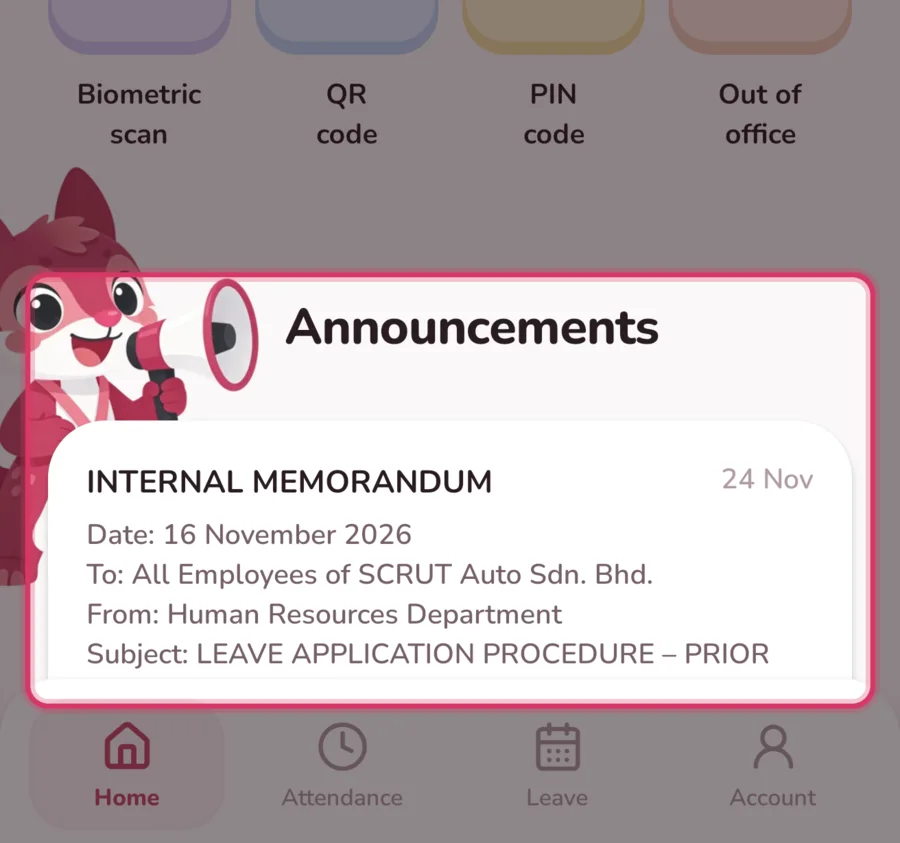
Read announcements
On Home, Announcements has the latest from your company and from Ketik, with any photos or PDFs attached. Scroll down for older ones; a notification about an announcement opens it here.
Was this guide helpful?