Clock in and out with the app
One tap on Home when you arrive and when you leave, with your location.
Staff
4 steps
·
2 min · Updated 29 November 2026
-
1
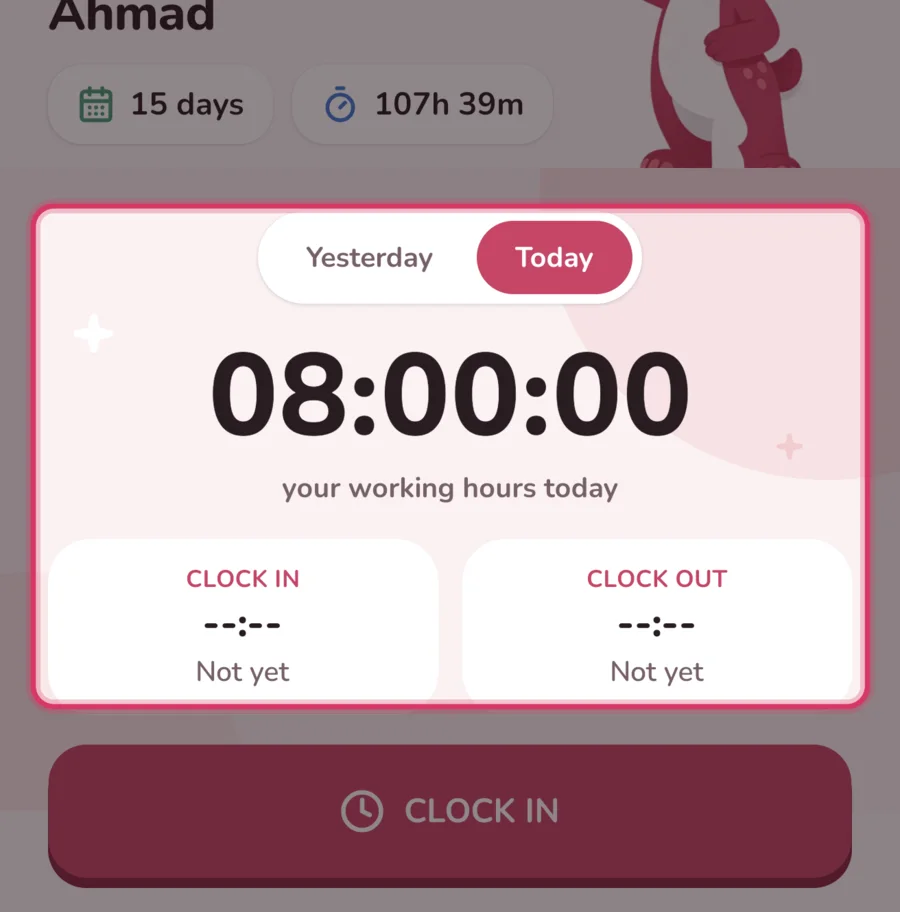
Check today on Home
The pink card shows the working hours you have today, then counts down from your clock-in. Yesterday shows the day before.
-
2
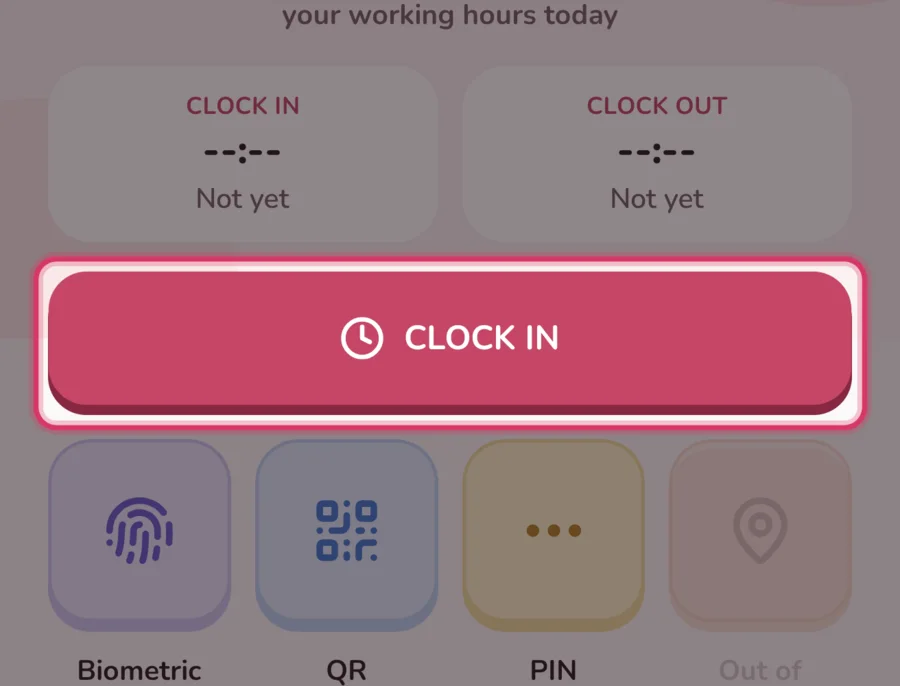
Tap Clock in
Allow location when the app asks: Ketik checks you are at your work location. Late? The app asks for a reason, which goes to your supervisor.
-
3
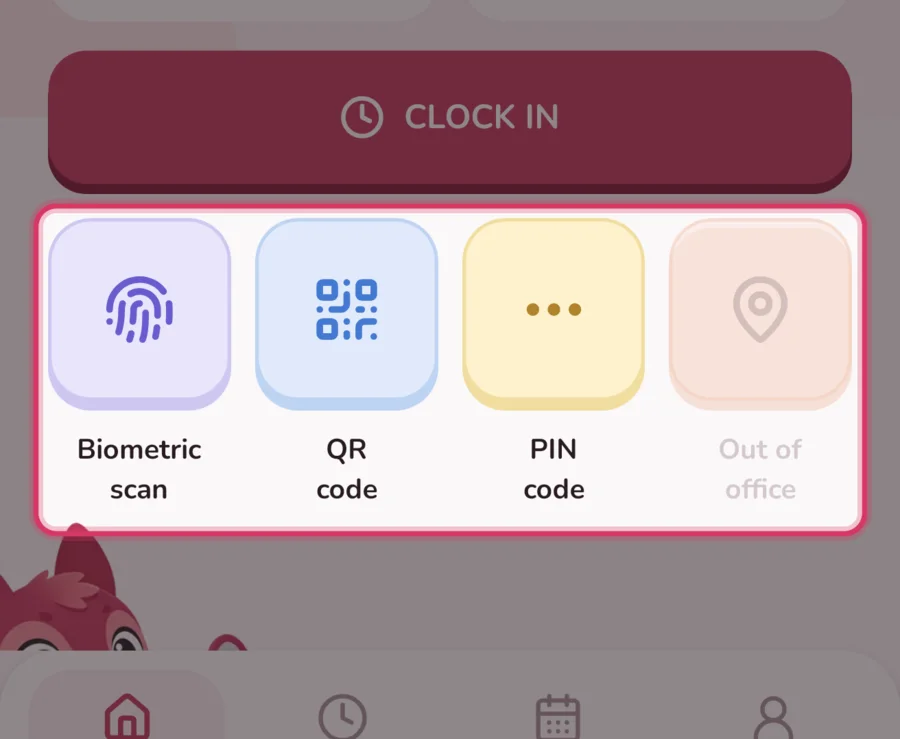
Or use another way
Biometric scan uses your fingerprint or face, QR code scans the code on your branch’s screen and PIN code takes the number shown there. Out of office is for work away from your branch. Greyed ones are turned off by your branch.
-
4
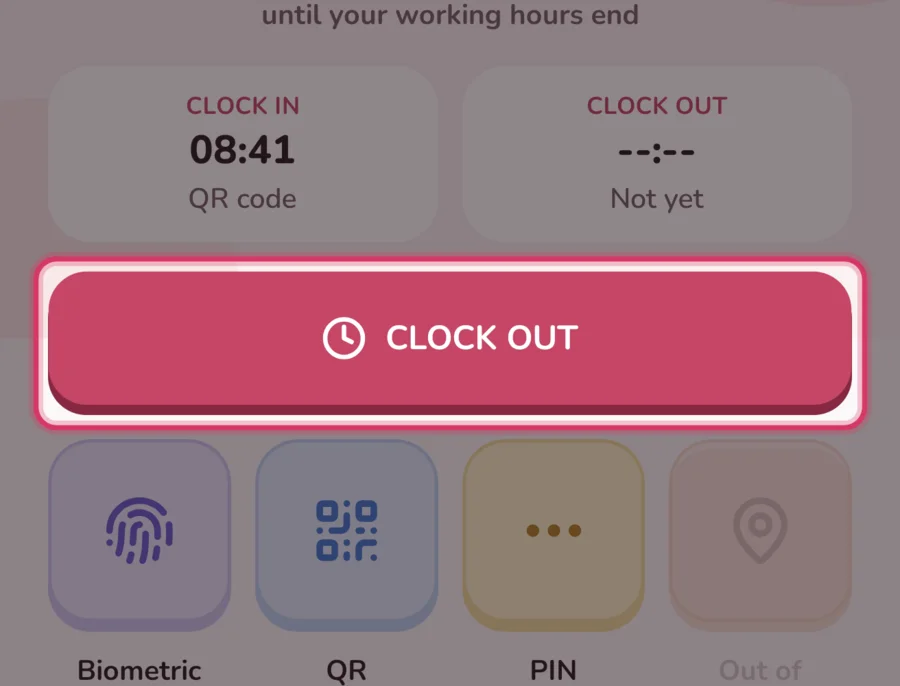
Clock out when you leave
The same button now says Clock out. After your hours the card counts up as overtime. Leaving early? The app asks why.
Was this guide helpful?