Your account in the app
Your details and photo, notifications, language, help and logging out.
Staff
3 steps
·
2 min · Updated 29 November 2026
-
1
Your details
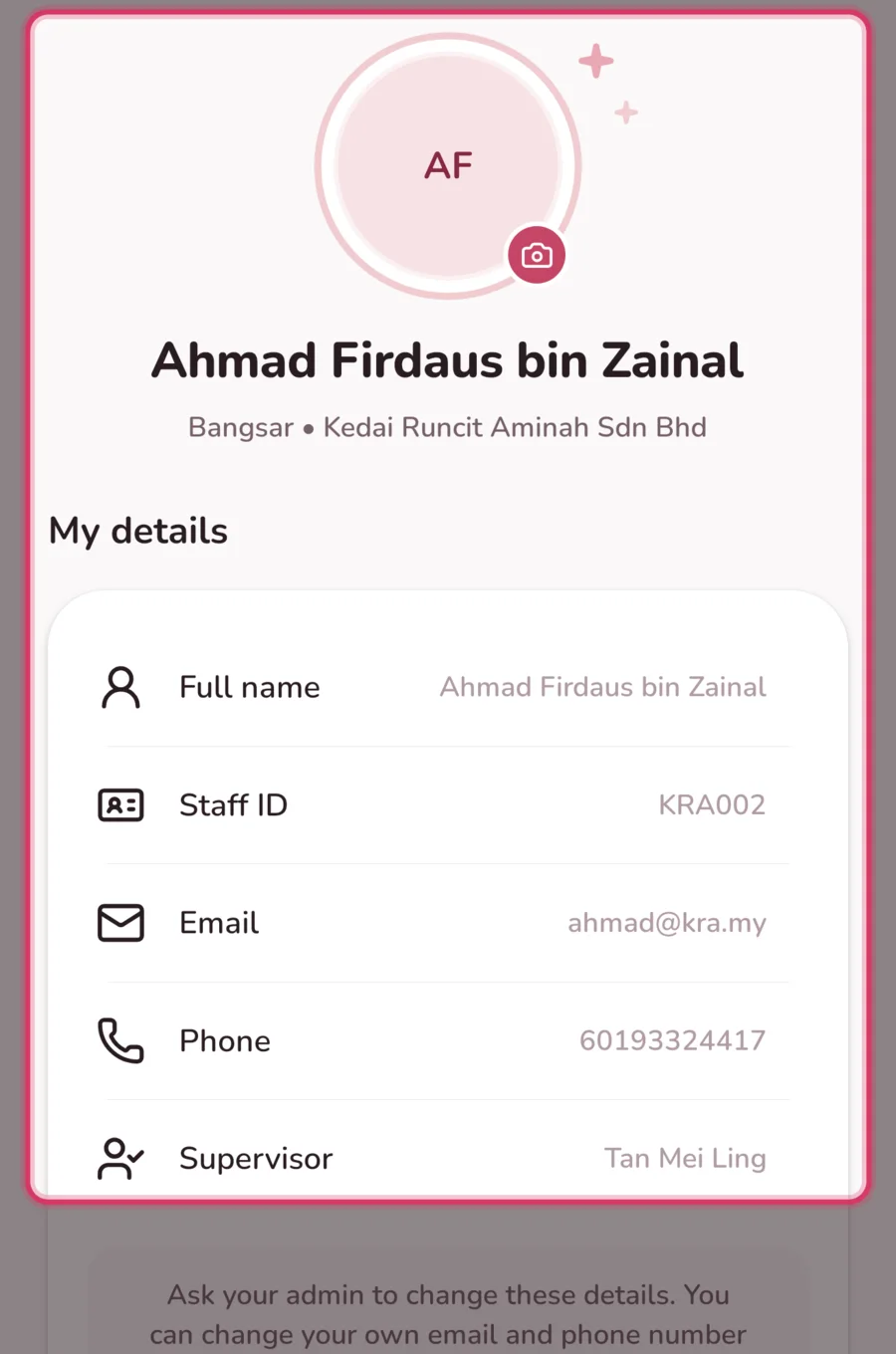
Open Account. Tap your photo to change it. Your name, staff ID and supervisor are set by your admin; ask them to change those.
-
2
Settings
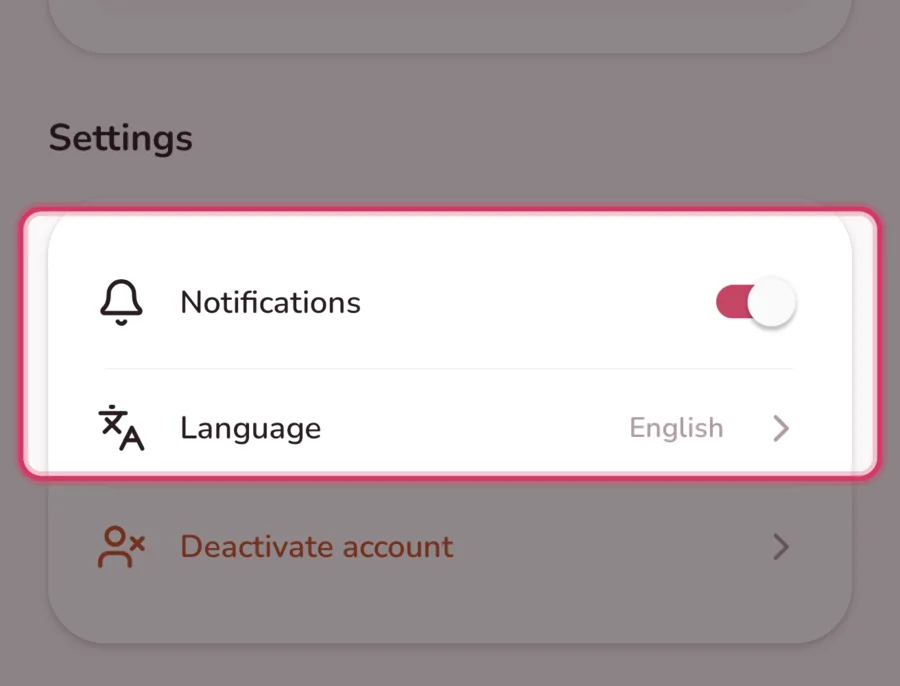
Notifications turns the app’s alerts on or off (approvals, announcements). Language picks one of the app’s nine languages.
-
3
Help, support and logging out
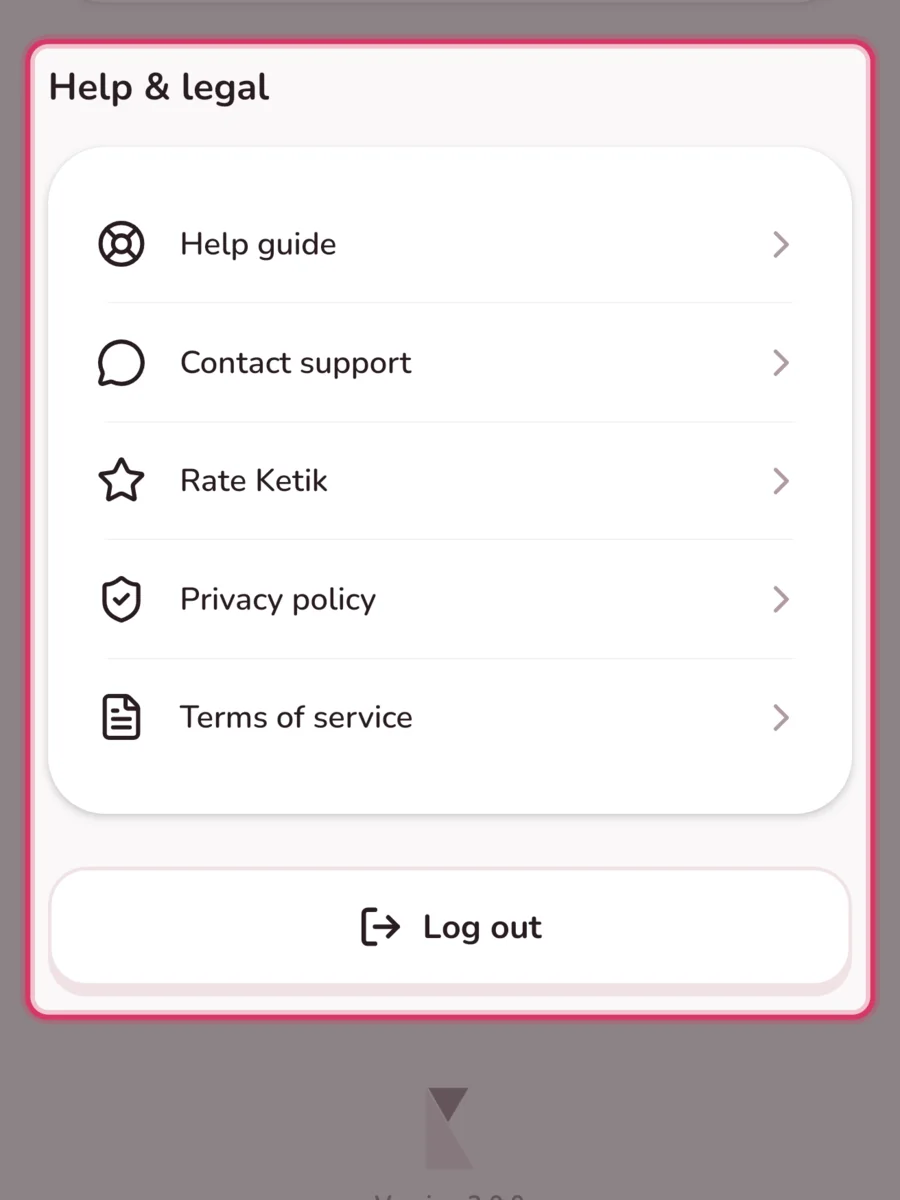
Help guide opens these guides, Contact support chats with us on WhatsApp. Log out is at the bottom.
Was this guide helpful?